
Microsoft has been quietly pushing Microsoft 365 users towards the Microsoft Authenticator app, and for small businesses, the transition has been anything but smooth.
On paper, it's framed as a security improvement. In practice, it's removing the flexibility that IT administrators have relied on to match authentication methods to the real people using them.
This isn't an argument against strong security. It's an argument for letting businesses choose how to achieve it.
What's actually changing
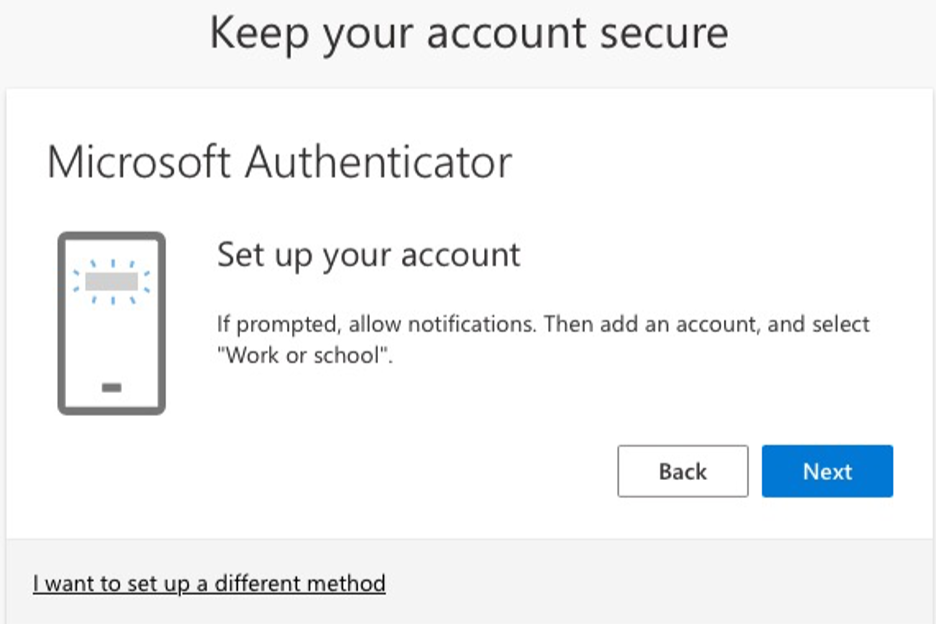
Microsoft is nudging users away from SMS codes and TOTP apps towards the Microsoft Authenticator app as the default MFA method. Administrators are reporting that the push is happening even when MFA migration campaigns have been disabled, and even when alternative methods should remain valid.
The company's underlying assumption seems to be that every user has a capable smartphone, is comfortable installing a corporate app on a personal device, and understands what a push notification is asking them to do.
For large enterprises that issue managed devices and have dedicated IT teams, those assumptions are largely reasonable. For small businesses across the UK, they often aren't.
The reality of small business environments
Small business staff are a diverse group. Some are confident with technology. Many aren't. And the environments they work in reflect that.
A typical Kalidus client might have:
shared PCs used by multiple staff members
employees with older handsets that can't support the Authenticator app
workers who don't want to install company software on a personal phone
staff with low digital confidence who found SMS codes manageable and nothing more complex
roles where simple, reliable authentication matters more than a cutting-edge method
For these users, SMS codes and TOTP apps weren't a security compromise. They were the right tool for the job. Replacing them with a forced push-notification workflow introduces friction, confusion, and real support overhead.
Where the problems show up
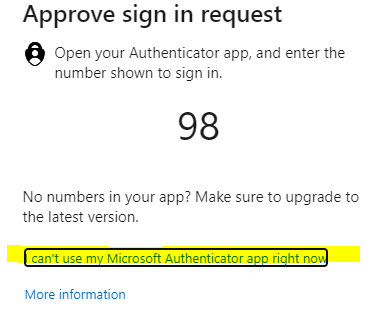
Most small business staff barely interact with their MFA setup day to day. They sign in, stay signed in, and only face an authentication challenge if something significant changes: a new device, a browser reset, a network flag.
That low frequency is exactly what makes forced changes so disruptive. When a user who last touched their MFA settings months ago is suddenly required to reconfigure everything on the Authenticator app, the result is a confused phone call and a 30-minute support session that didn't need to happen.
The situation is harder still when the user is anxious about technology, has accessibility needs, or has replaced their phone and can't remember how any of it worked. None of this improves security outcomes. It just increases the support burden on IT teams who are already managing multiple clients.
Security that works is security people can use
The goal of MFA isn't a particular app. It's protecting accounts from unauthorised access in a way users can reliably follow.
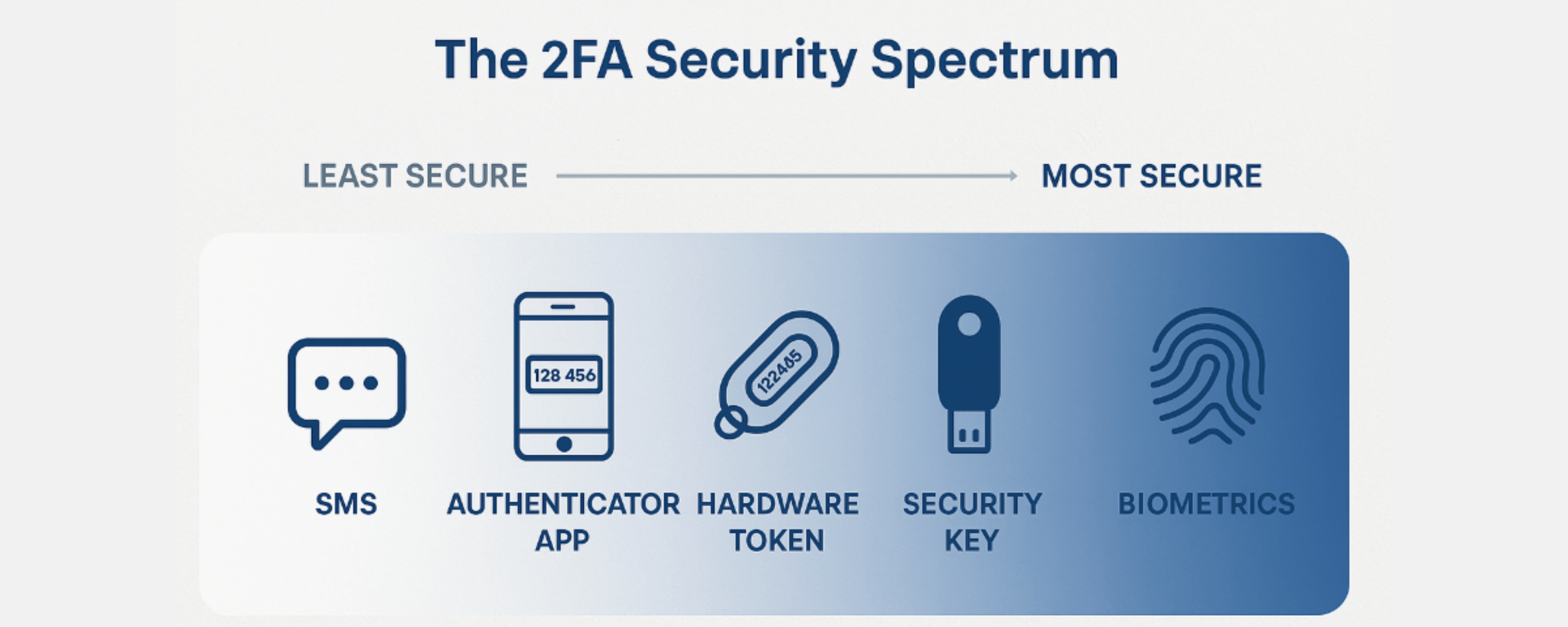
TOTP apps are secure. Hardware keys are secure. SMS codes, whilst not perfect, provide a meaningful layer of protection for lower-risk accounts. The right method depends on the user, the role, the device situation, and the risk profile of the business.
What genuinely improves security is:
users who understand what they're being asked to do
IT administrators who can assign the right method to the right person
recovery processes that are clear and don't create their own vulnerabilities
authentication flows that don't overwhelm non-technical staff into ignoring or bypassing them
Forcing everyone into a single app, regardless of their situation, doesn't advance any of those goals. It substitutes uniformity for judgement.
What small businesses need from Microsoft
The flexibility that existed before this change wasn't a loophole. It was a feature. It allowed IT professionals to make considered decisions about which authentication method was appropriate for each user in each environment.
Removing that choice, quietly and without meaningful admin override, shifts the burden onto the businesses and IT teams who are left managing the fallout.
Small businesses across the UK need MFA solutions that are flexible, easy to support, and matched to the people using them. They don't need to be told that the only acceptable answer is an app on a personal smartphone.
Struggling with MFA changes in your Microsoft 365 environment?
If the Authenticator push is causing confusion for your staff or creating unexpected support issues, Kalidus can help. We work with small businesses to find practical, secure authentication setups that actually fit how your team works.
Get in touch or book a remote support session to talk it through.
